

The Warebid blog
Mobile TV Stand Compatibility: 5 Checks Before You Buy
Screen inches are just the start. Use this checklist to compare a TV with a mobile stand's supported size, VESA pattern, load limit, hardware and footprint.
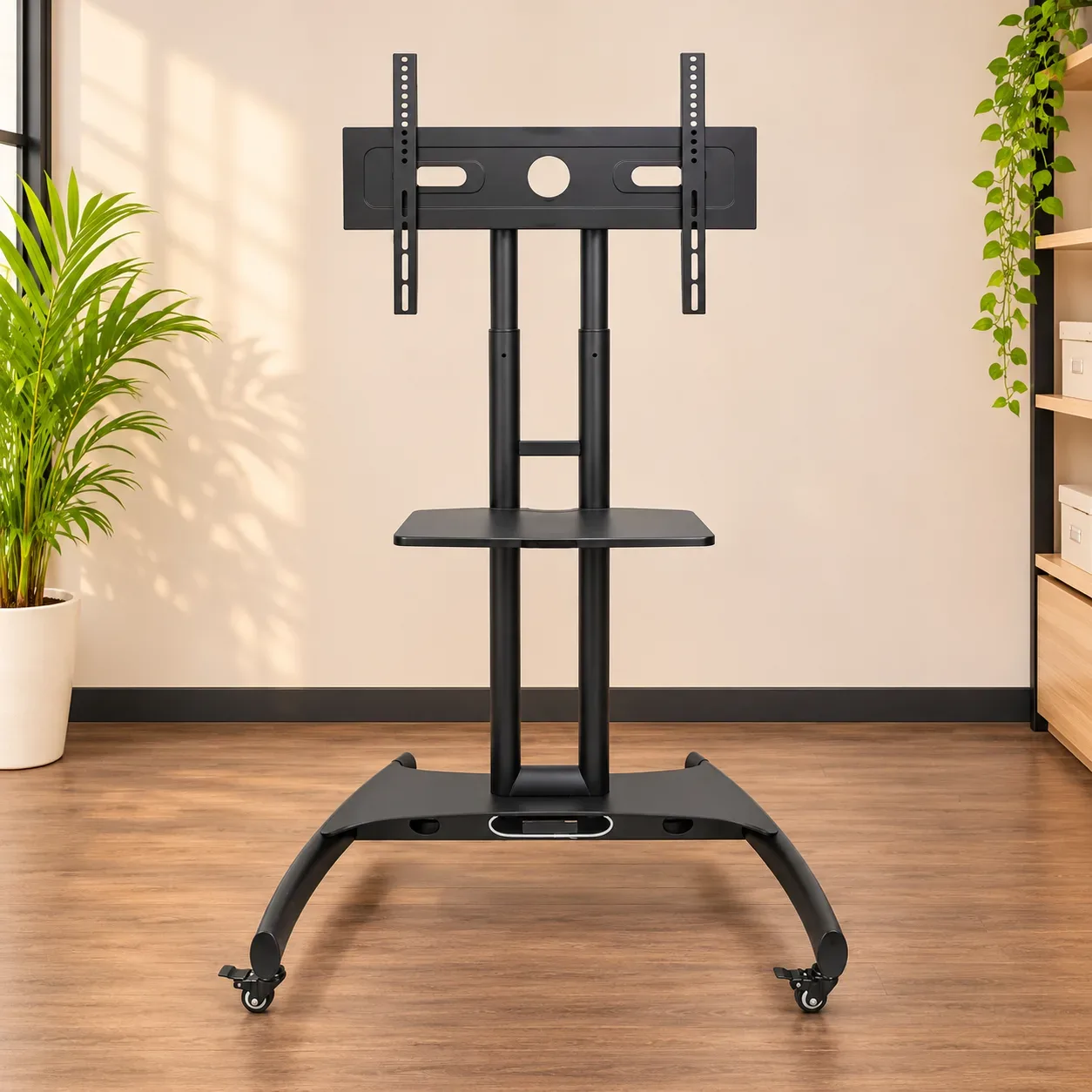
The screen size is only a starting point. Before buying a mobile TV stand, compare your television's size, VESA mounting pattern and weight with the stand, then check its hardware and footprint. A stand can be rated for your screen size and still be a poor fit.
1. Screen size
Measure the TV diagonally and compare it with the stand's supported range. Two screens with the same diagonal can still differ in weight, mounting pattern and overall dimensions.
2. VESA mounting pattern
Find your TV's VESA pattern in its manual or specifications. It is the horizontal and vertical distance between the mounting holes, normally in millimetres. Confirm that the stand supports the exact pattern.
3. Display weight
Check the TV's weight in the configuration you will mount and compare it with the stand's maximum display capacity. Follow the manufacturer's instructions and check a separate shelf's own load rating before placing equipment on it.
4. Mounting parts
Check which brackets and fasteners are actually included and which screw size and length your television requires. Do not force a screw or guess. Ask the manufacturer or seller if any part is missing or the fit is unclear.
5. Space and movement
Measure the base, height and clearance behind the screen. Consider doorways, lifts, cables and nearby furniture. Follow the stand's instructions for moving it and locking the castors.
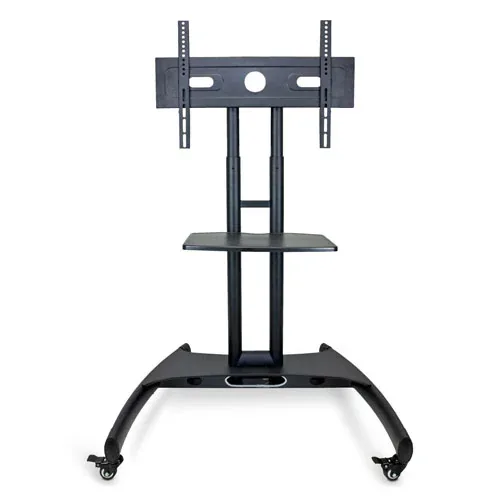
A real example: Luxor FP2500
The manufacturer's FP2500 specification sheet lists a 40–60 inch TV range and a maximum mount capacity of 100 lb (about 45.4 kg). Those figures apply to that model, not every stand. You still need to match the TV's VESA pattern and check the condition and included parts of the exact item.
Buying second-hand
A pre-owned stand may be missing hardware or show wear. Ask for current photos and confirm the model, condition, included mounting parts and compatibility before paying. A photo or screen-size label alone is not enough.
Explore Warebid for pre-owned furniture and equipment, and confirm the current listing details with the seller before ordering.
 WhatsApp channel
 Telegram channel